
Canadian tax preparation software has been remarkably stable for two decades. A firm picked a T1 suite - ProFile, TaxCycle, DT Max, Cantax - installed it on desktops, and ran every return through the same keyboard-driven workflow: collect documents by email, re-key slip data, chase missing information by phone, review on screen, EFILE, repeat a thousand times before April 30.
The calculation engines in that software are excellent. The workflow around them is where firms actually lose the hours - and that workflow is what's now changing, because AI agents have become capable of doing large parts of it. This guide looks at the Canadian professional tax software landscape, what traditional suites do and don't cover, and what firms should evaluate as agent-driven automation enters the market.
The Canadian professional tax software landscape
Most Canadian firms prepare T1s in one of a handful of established desktop suites: Intuit ProFile, TaxCycle, Thomson Reuters DT Max, and Wolters Kluwer's Cantax and Taxprep. All are CRA-certified for EFILE, all have mature forms coverage, and all are fundamentally calculation and filing tools: you put clean data in, they compute the return and transmit it.
Consumer products - TurboTax, Wealthsimple Tax, H&R Block's software - serve the do-it-yourself market and aren't built for firm workflows at all: no multi-preparer roles, no client pipeline, no practice-level view of two thousand returns moving through statuses.
The interesting gap sits in front of the professional suites: everything that happens before clean data reaches the calculation engine, and everything that happens around the return afterward.
What traditional tax prep software does well - and where it stops
Traditional Canadian tax preparation software is very good at computing tax and filing returns. What it cannot do is operate the workflow: onboard a client, collect and interpret their documents, notice that a T4 arrived but the RRSP slip didn't, create and chase follow-up tasks, capture where each number came from, assemble a reviewer-ready summary, or move a file through defined stages with an audit trail.
Firms fill that gap with people - plus email chains, shared folders, spreadsheets, and re-keying. During compression season, that manual glue is the bottleneck: preparers spend more time gathering and transcribing than exercising judgment.
What's changing: AI agents in tax workflows
The new generation of AI agents can read documents, extract slip data, ask clients for what's missing, and carry out multi-step work with minimal supervision. But agents can't do that safely inside software designed for a human with a mouse. Screen-driven desktop software gives an agent nothing to hold on to - and no guardrails if it holds on wrong.
What agents need is different: a structured backend with scoped permissions, well-defined programmatic operations, field-level validation, and reliable handoff protocols. In practice that means software exposing its tax data model through APIs and MCP (Model Context Protocol) tools - so an agent can discover what a tax file requires, write records the system validates, flag gaps as tasks, and leave a complete audit trail. The software governs; the agent operates.
What should firms look for in tax filing software for accountants?
Whether or not a firm plans to deploy agents this year, the evaluation criteria have shifted. Six questions worth asking of any Canadian tax preparation software today:
Is it cloud-based? Desktop installs mean data locked to machines, manual updates, and no way to expose safe programmatic access. Cloud architecture is the precondition for everything else on this list.
Does it cover the workflow, or only the return? Calculation and EFILE are table stakes. The expensive hours live in intake, document collection, missing-information follow-up, review preparation, and status tracking.
Is it agent-ready? Ask specifically: are there APIs or MCP tools an AI agent can use? Can permissions be scoped so an agent can gather data but not file? Software that only a human can operate will only ever be as fast as your humans.
Does it validate at the field level? Agent-entered (and human-entered) data should be checked against the tax rules on write - required fields, bounds, cross-field rules - not discovered at review.
Does it keep provenance? Every figure on a return should link back to its source document. That's what makes an agent-built file reviewable and defensible.
Does it hand off cleanly? No firm replaces its entire stack at once. New workflow infrastructure has to co-exist with the EFILE software and practice management tools a firm already runs - structured handoff out, not lock-in.
Where Armada T1 fits
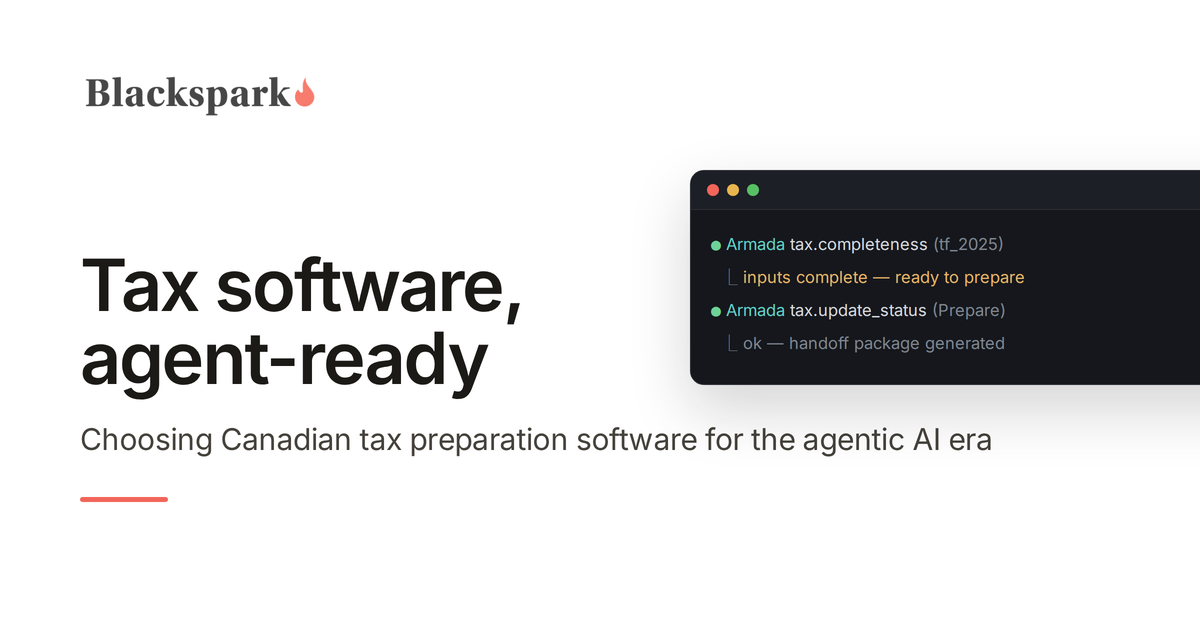
Blackspark builds Armada T1. Armada T1 is the system of record for Canadian T1 intake, with its own MCP server: the layer in front of the calculation engine. It exposes clients, tax files, sections, required fields, validation rules, tasks, and review states through APIs and MCP tools, so AI agents can gather taxpayer information, record it as structured, validated tax data with document-level provenance, and route each open question or missing document as a task to the preparer or the client. Armada T1 does not calculate or EFILE returns: the completed file is handed off to the CRA-certified tax software your firm already runs.
The governing principle: agentic workflows should not mean uncontrolled workflows. Agents operate inside scoped permissions; Armada T1 enforces the validation rules, completeness gates, and audit trail. Human reviewers stop doing manual data work and assume oversight roles.
Armada T1 is built for accounting firms, consultants, MSPs, and automation teams implementing AI in tax practices. If that's the problem you're working on, request access on our homepage.
The bottom line
The Canadian tax preparation software market spent twenty years competing on forms coverage and calculation accuracy - a race the incumbents effectively finished. The next decade will be decided by workflow: which platforms let firms deploy AI agents safely against the gathering, validation, and follow-up work that consumes tax season. When you evaluate software now, evaluate it as the system your future agents will operate in - because the firms that get that layer right will prepare more returns with less compression-season pain, at higher and more consistent quality.
This post provides general information for tax professionals and is not tax, legal, or purchasing advice. Evaluate any software against your firm's own requirements, security policies, and CRA obligations.
