
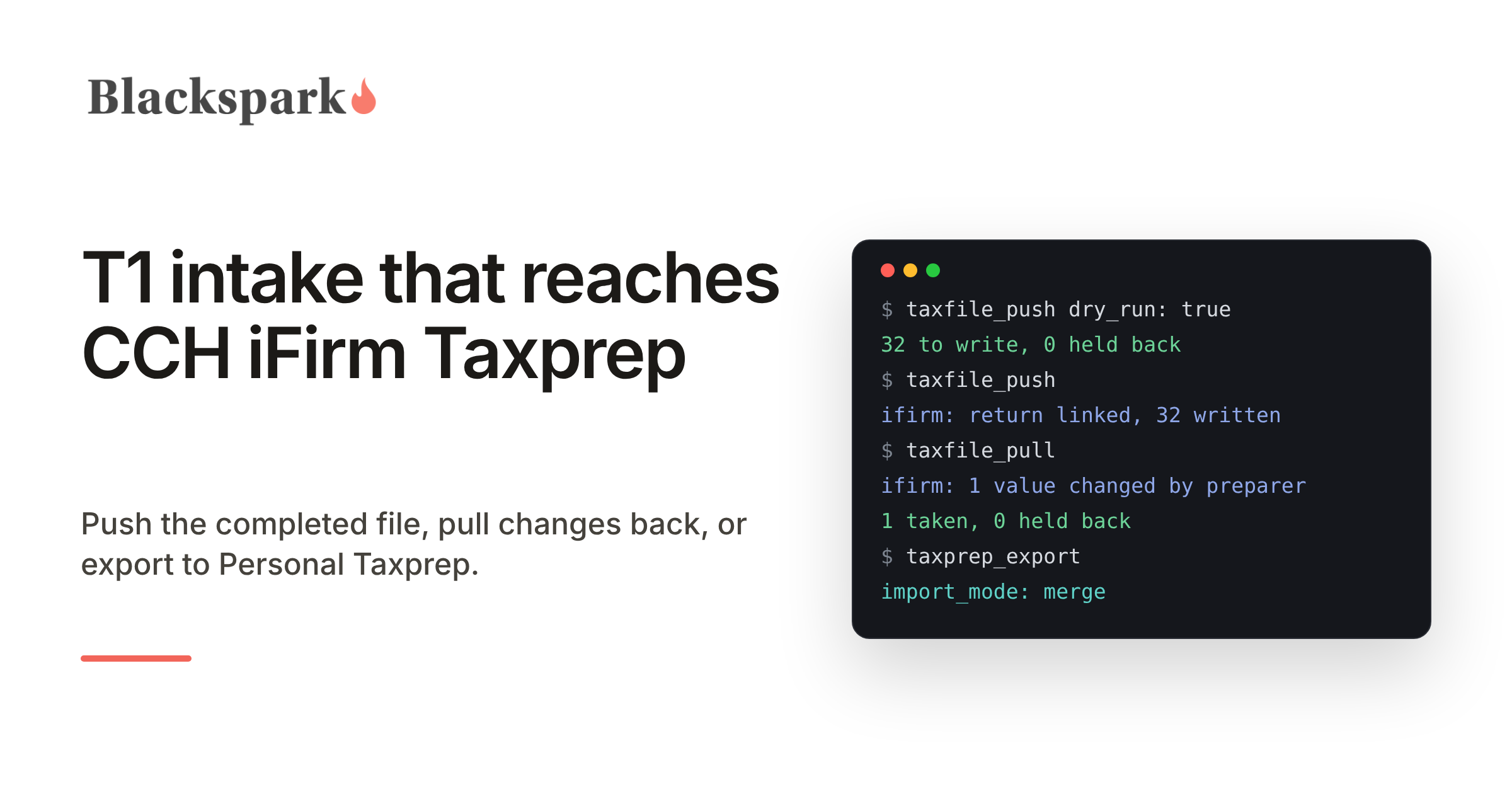
If your firm prepares T1s in CCH iFirm Taxprep or Personal Taxprep, the completed Armada T1 file no longer stops at the door of your tax software. For CCH iFirm Taxprep, Armada T1 connects to the firm's iFirm and moves a file's values into the return cell by cell, then reads back what a preparer changes there. For Personal Taxprep, it writes an import file that merges into the client file. Both are available today.
The two routes at a glance
CCH iFirm Taxprep, connected.
How it connects: through the firm's own iFirm API access, added once by an admin.
What moves: the file's values into the iFirm return, and a preparer's changes back.
Where a file can start: in Armada T1, or from a return already in iFirm.
What it will not do: overwrite a value a person entered in iFirm, or override a Taxprep calculation.
Personal Taxprep, by file.
How it connects: a Personal Taxprep import file, downloaded from Armada T1.
What moves: slips, identification, and the T2125, T776 and T777 statements.
In Taxprep: File, then Import. It merges into the existing client file.
Coming back: a Taxprep export can be imported into the Armada T1 file.
Connecting CCH iFirm Taxprep
The firm needs CCH iFirm API access from Wolters Kluwer. An Armada T1 admin adds the connection once, under Settings, then Connections, and can check or remove it from the same place. The key is entered there and nowhere else. An agent never sees it and never asks for it.
Two firm settings sit with the connection: whether a push may create a client in iFirm that iFirm does not hold yet, and what happens to a spouse's separate return once the couple is joined.
Starting a file, from intake or from iFirm
A file can start in Armada T1 the usual way, with an agent gathering the client's documents. It can also start from iFirm. "Add from iFirm" on the Tax files page lists the firm's T1 returns for the year. Picking one finds or creates the client and the file in Armada T1, links the two, and takes the return's values. No SIN is shown in that list.
Push: the completed file into the return
"Push to iFirm" sends the file's values into the client's iFirm return. The first push finds the return by SIN, or creates this year's return for the client's iFirm contact, and links the file to it. Later pushes use the link. A couple is pushed together, as a coupled return.
Nothing a person did in iFirm is overwritten. Each cell is compared with what the last push left there. A value a preparer entered or changed in iFirm is held back, both values are reported, and the preparer decides. A cell that Taxprep calculates from other entries is never written over its calculation.
Every push ends with a full account: what was written, what was held back, what iFirm refused and why, what iFirm accepted but then recalculated, and what Armada T1 holds that has no iFirm cell. A preview shows the same lists before anything is sent.
Pull: what the preparer changed comes back
"Pull from iFirm" takes what changed in the linked return into the Armada T1 file. A value changed only in iFirm is taken, with the name of the iFirm user who changed it. A value changed only in Armada T1 waits for the next push. A value changed on both sides is held back with both figures. A slip a preparer added in iFirm arrives as a new record. Taxprep's own calculations are never taken.
Personal Taxprep: the same file, as an import
For a firm on Personal Taxprep, "Export file" on the tax file writes a Personal Taxprep import file. The preparer downloads it and runs File, then Import, in Taxprep. Once Armada T1 knows the preparer's Taxprep Client folder, the import merges into the existing client file: slips update in place, and returns already in that file are kept. The spouse's return can travel in the same file for a coupled client.
The export asks once per tax year for two settings from Taxprep's Import/Export editing options: the column break and the decimal separator. Taxprep rejects a file written in the other format.
The file is not the whole return, and the export says so. It covers the slip sections, identification, and the T2125, T776 and T777 statements with their home-office, vehicle and capital cost allowance detail.
A Taxprep export can also be imported into the Armada T1 file. A value a person has entered since is held back as a conflict and reported.
Reports: what your filed returns already say
Once iFirm is connected, the firm's T1 returns also feed Armada T1's reports. For each client and year Armada T1 keeps a return profile: the figures by CRA line, each with the source it came from. iFirm returns are the leading source. A Personal Taxprep export or a printed return can be read in as well. Where two sources disagree on a line, both figures are kept and the conflict is shown.
Seven reports run over those profiles, using thresholds the firm sets: tax planning opportunities, financial-planning discovery, incorporation review, employer growth, bookkeeping conversion, missing services, and returning clients with no work started. Each finding names the client, the year, and the figures it fired on with their line and source.
A partner assigns a finding, dismisses it with a reason, or marks it done. Findings leave as a spreadsheet, an email digest or a signed webhook, and never carry a SIN. Email and webhook are off until an admin turns them on.
The same profiles can start next season. Armada T1 opens a client's new file from what last year's return says to expect: it marks the sections that should apply and leaves a task for each one, naming what to collect. It copies no figures forward.
For agents and developers
All of this is available over Armada T1's MCP servers, to an agent acting as a named user of the firm. The iFirm tools are ifirm_return_list, ifirm_return_link, taxfile_push and taxfile_pull. The Taxprep tools are taxprep_export and taxprep_import. The reports are on Armada T1's book server. A firm switches each capability on, and whoami tells an agent which ones it holds. A push, a pull and an export each run on a preparer's instruction, with a dry run first.
What stays with people
The preparer reviews the return in Taxprep, where it is calculated and filed. The preparer decides every held-back value. A partner decides what to do with a finding, what to offer a client, and what to charge. Agents route open questions as tasks to the preparer or the client.
Where Armada T1 fits
Armada T1 is the context system agents need to automate T1 workflows, with its own MCP server. Agents operate; Armada T1 governs. Armada T1 does not calculate or EFILE returns. For a firm on CCH iFirm Taxprep or Personal Taxprep, the completed file now arrives in the software that does. For what Wolters Kluwer itself offers agents, see our Taxprep, Cantax and CCH iFirm status page. For where your client documents come from, see our guides to SharePoint, Karbon and TaxDome. For which Claude plan to use and what happens to client data, see Claude for Canadian tax preparers.
If your firm runs CCH iFirm Taxprep or Personal Taxprep and you want to see a file go from intake into a return, request a demo on our homepage.
Working on US 1040 workflows? Armada 1040 is coming soon: the same record and MCP server, for US individual returns. Join the waiting list.
This post provides general information for tax professionals and is not tax, legal, or filing advice. Behaviour verified in November 2026 on an Armada T1 test environment and a CCH iFirm test account, with fictitious clients. CCH iFirm, Taxprep and Personal Taxprep are trademarks of Wolters Kluwer N.V. or its affiliates, Claude is a trademark of Anthropic, PBC, and no partnership or endorsement is implied.
